Alternative Product Comparison Button
tip
Click here to translate the alternative compare button.
You can choose between two types of product comparison buttons in your site settings.


Enabling the Alternative Compare Button
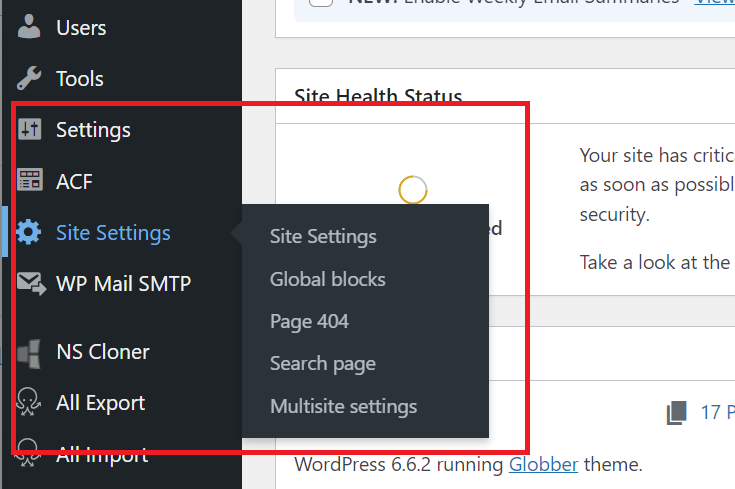
In the left menu of WordPress, go to Site Settings.
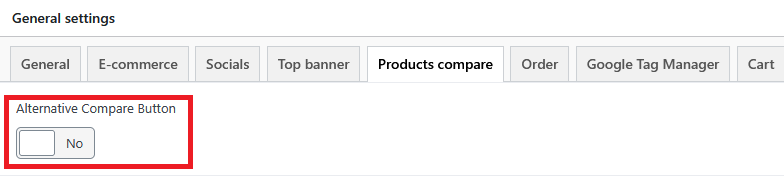
On the General settings panel, open Products Compare tab.

Here, you will see the option for Alternative Compare Button.
To enable the alternative compare button, set the toggle to Yes. To disable it, set the toggle to No. This controls whether the alternative compare button is active on your site.
Don't forget to hit Publish to save your changes.
Notes
Below is the default function when you set toggle to Yes.
x

Here is what the alternative compare button looks like when you toggle No.
